3.2×
More data points
100%
Actions tracked
Illustrative example based on pilot data
The WebGPU Difference
This is a platform shift.
Not an incremental improvement.
WebGL was never designed for industrial simulation. WebGPU was built for exactly this. Here's why it changes everything for enterprise training.
5–10×
Lower CPU Overhead
WebGPU offloads rendering entirely to the GPU rather than simulating it through CPU-bridged WebGL calls. Complex industrial environments — refinery control rooms, electrical switchgear bays, confined space rigs — run smoothly on standard enterprise laptops. No gaming rigs required.
GPU Compute
Shaders & Physics
WebGPU's compute shader pipeline enables realistic physics that were simply impossible in WebGL: electrical arc propagation, fluid dynamics in confined space atmospheric modeling, cascading equipment failure sequences. The learner sees real consequences, not animated approximations.
WASM + WebGPU
Near-Native Performance
Unity 6 compiles to WebAssembly. WebAssembly runs at near-native CPU speed. Paired with WebGPU's direct GPU access, simulations load and run at performance levels that were exclusive to installed applications just two years ago — delivered from a browser tab.
Zero IT
No Install, No Conflict
No application to deploy. No MDM policy conflict. No app store approval cycle. Simulations run in Chrome 113+ and Edge 113+ — browsers already installed on every enterprise device. One URL, and the learner is inside a photorealistic industrial environment.
1 Build
Desktop + VR via WebXR
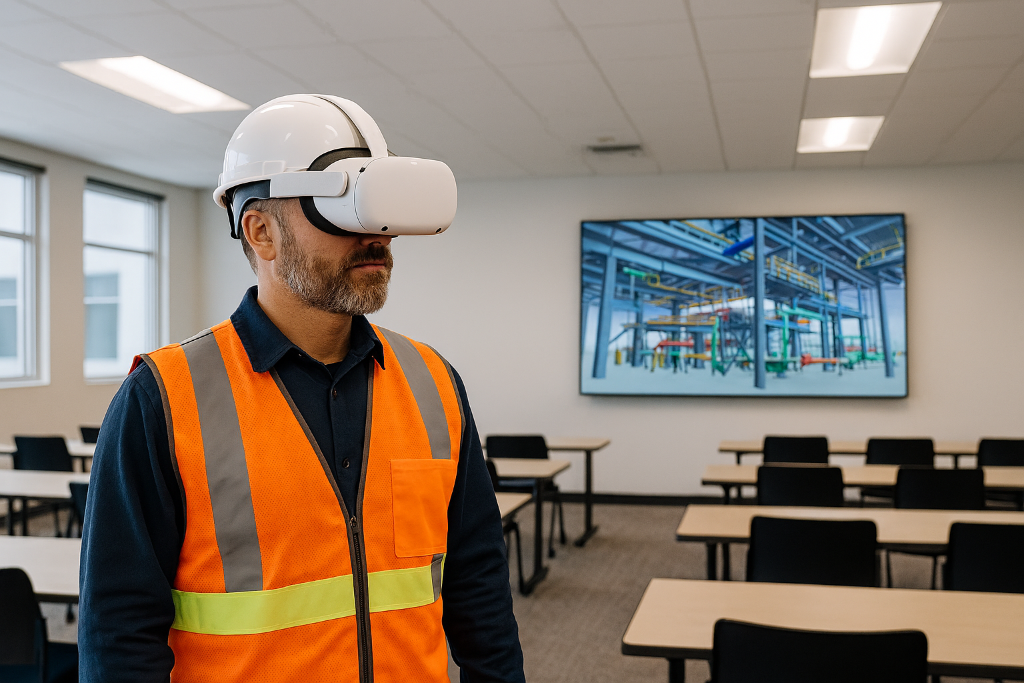
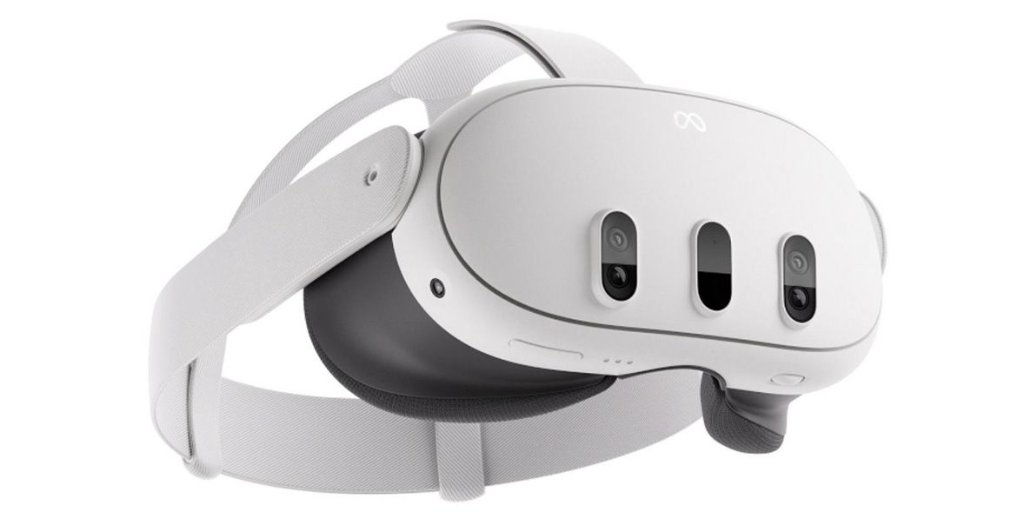
The same Unity WebGPU build that runs in a desktop browser loads inside a Meta Quest 3 or Apple Vision Pro via the WebXR API. No separate VR application. No separate development sprint. No additional distribution overhead. One build serves every device.
| Capability | WebGPU (Ripplemesh) | WebGL | Native App | SCORM eLearning |
|---|---|---|---|---|
| Browser delivery (no install) | ||||
| GPU compute shaders | ||||
| Realistic physics (arcs, fluids) | ||||
| Runs on standard enterprise laptop | Partial | Partial | ||
| VR headset support (no extra build) | ||||
| Near-native performance | ||||
| xAPI / analytics tracking | Custom | |||
| FedRAMP-region content delivery | Partial | |||
| Zero IT deployment overhead |
Our Simulation Engine
Built in Unity 6.
Delivered from Cloudflare.
Ripplemesh simulation courses are built in Unity 6 — the same engine behind AAA game titles — and deployed as WebGPU web applications served from Cloudflare's secure global edge network. Content remains protected within the United States in Cloudflare's BLOB storage in a FedRAMP-authorized region.
Massive Asset Ecosystem
Loads Like a Webpage
Industrial SMEs Work in Unity Editor
Experience Statement Bridge in Real Time
The "3D DO + LMS KNOW" Pipeline
Video
Why it matters — context and motivation
Storyline eLearning
Knowledge quiz — KNOW the procedure
3D Simulation
Do the procedure — observed, scored
Credential Auto-Award
Issued on passing performance score
Unity Simulation → postMessage → Ripplemesh LRS → Intelligence Ledger → Credential + Analytics
Industrial Use Cases
Train the procedures where errors have real consequences.
Browser-based 3D simulation is most valuable for high-stakes procedures where safe failure, repetition, and observed competency data are critical.
LOTO / Electrical Safety
Perform lockout/tagout procedures on photorealistic industrial equipment. GPU-simulated electrical arcs demonstrate the consequences of incorrect isolation sequences. Every step is tracked, every bypass flagged automatically.
Confined Space Entry
VR spatial training that 2D courses simply cannot replicate. Learners experience atmospheric hazard progression, practice retrieval system deployment, and execute emergency egress — scored against permit compliance requirements.
Equipment Maintenance
Photorealistic disassembly and assembly with physics constraints. Torque simulation prevents incorrect fastener procedures. Part identification, tool selection, and inspection sequence all tracked with step-level granularity.
Emergency Response
GPU-simulated fire spread dynamics, NPC crowd behavior, and branching evacuation decision trees. Real-time environmental feedback changes based on learner decisions — teaching adaptive response, not scripted answers.
VR Without the Friction
Same simulation.
Every device.
The same Unity simulation that runs in a desktop browser loads inside a Meta Quest 3 or Apple Vision Pro — no app install, no IT ticket, no separate VR build. WebXR is built into the browser. That's the business case: VR training outcomes without VR deployment overhead.
One simulation. Desktop + tablet + VR headset. Zero extra development work.
We're Ready for Unreal.
Coming 2026/2027Ripplemesh is already architected to support Unreal Engine WebGPU browser delivery the moment Epic ships their client-side WebGPU runtime. When that day comes: set one field on your course record — done. No re-platforming. No migration project.
For organizations with existing Unreal assets — photorealistic facility digital twins, aerospace simulation environments, oil & gas processing models — this means zero re-authoring. Your existing Unreal content plugs directly into Ripplemesh's xAPI tracking, credential engine, and Milam Analytics.
Connected to Ripplemesh University
Simulation is just the beginning.
Every interaction in a simulation becomes a Ripplemesh Experience Statement — stored in Cloudflare D1, feeding AI analytics, and powering automatic credential awards.
Unity Simulation
postMessage Bridge
Ripplemesh LRS (Cloudflare D1)
Intelligence Ledger
Credential + Analytics
Auto-Credential Award
Passing performance scores trigger automatic credential issuance — no manual review, no separate LMS workflow.
Milam Analytics AI
Query completion rates, step-level error patterns, competency trends, and Kirkpatrick Level 3 behavior correlations using natural language.
Kirkpatrick L3 Correlation
Simulation performance data correlates with post-training field observations, providing evidence-based training ROI that eLearning completions never could.
Platform Comparison
How Ripplemesh WebGPU stacks up against every alternative delivery method.
| Capability | Ripplemesh WebGPU | Native App Unity/Unreal | SCORM eLearning | Pixel Streaming Unreal | VR Headset Native App |
|---|---|---|---|---|---|
| Browser delivery | |||||
| Install required | |||||
| VR / headset support | Partial | ||||
| xAPI tracking | Custom | Custom | Custom | ||
| IT friction | |||||
| Offline capable | Partial | ||||
| Authoring tool | Unity 6 | Unity/Unreal | Storyline | Unreal | Unity/Unreal |
| Realistic physics | |||||
| GPU compute shaders | |||||
| Zero install for learner | |||||
| Content in FedRAMP storage | Partial | ||||
| Credential auto-award | Partial |